One service. One complete view.
Order → Preparation → Service & tracking



Order → Preparation → Service & tracking
A visual catalogue, service choice and review before confirmation. Explore the touch and voice journey with our team.
The cashier selects products, adds instructions and sends the order to the kitchen. Payments and receipts remain available in the POS.
Grill and assembly teams find their tasks, quantities and notes. Preparation progresses through its stages to handover.
The display separates ready, preparing and waiting orders, plus Glovo orders for delivery. Order and pager numbers help identify the handover.
On a tablet, the waiter opens the floor plan, selects a table and enters products and notes before sending the order to the kitchen.
Sales, payments, purchases and stock remain accessible to follow the service and plan upcoming needs.
Discover the journey in 20 seconds. Select any step to explore it.
Menu, quantities, service mode and instructions start on the same ticket.
 SCALERPOrder #042
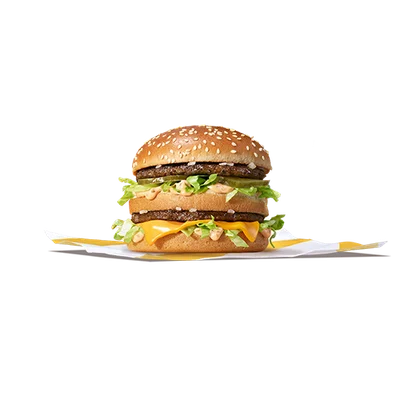


Grill, fries, drinks and assembly follow their stations and dependencies.
SCALERPPrepare #0424 × Beef patties
No onion2 × Fries
3 × Drinks
2 × Burger meal
Ready orders move to handover with their table or collection number.
SCALERPHand over #042Ready orders move to handover with their table or collection number.
Split the bill, combine payment methods and issue the receipt.
SCALERPTake payment #042Remaining balance0 DH
ReceiptConsult sales, payments and stock movements to follow your activity.
SCALERPManage #042Recipes & ingredients
Supplier purchases
Team
Product notes follow the order to the kitchen. Preparations with different instructions remain separate.
Stations show tasks, remaining quantities and states. Assembly waits for the required components.
Share payments and combine payment methods on the same invoice.
Essential restaurant functions in one application.
Products, variants, photos, prices and compositions.
Quantities, units and preparation dependencies.
Suppliers, purchasing and stock checks before ordering.
Role-based access and organisation by location.
Visual catalogue, carts and held orders.
Areas, table selection, manual occupancy and transfers.
Tags and free-text notes sent to the kitchen.
Preparation, partial quantities, assembly and handover.
Equal shares, multiple methods and item splitting before dispatch.
Payments, printing and outstanding balances.
States, queue, history and service complaints.
Centralised reports, movements, purchases and expenses.
Organise tables and orders. Keep instructions and payments linked to the right ticket.
Take counter orders, distribute preparation and track takeaway handover.
Keep the service mode, origin and external reference, then follow dispatch.
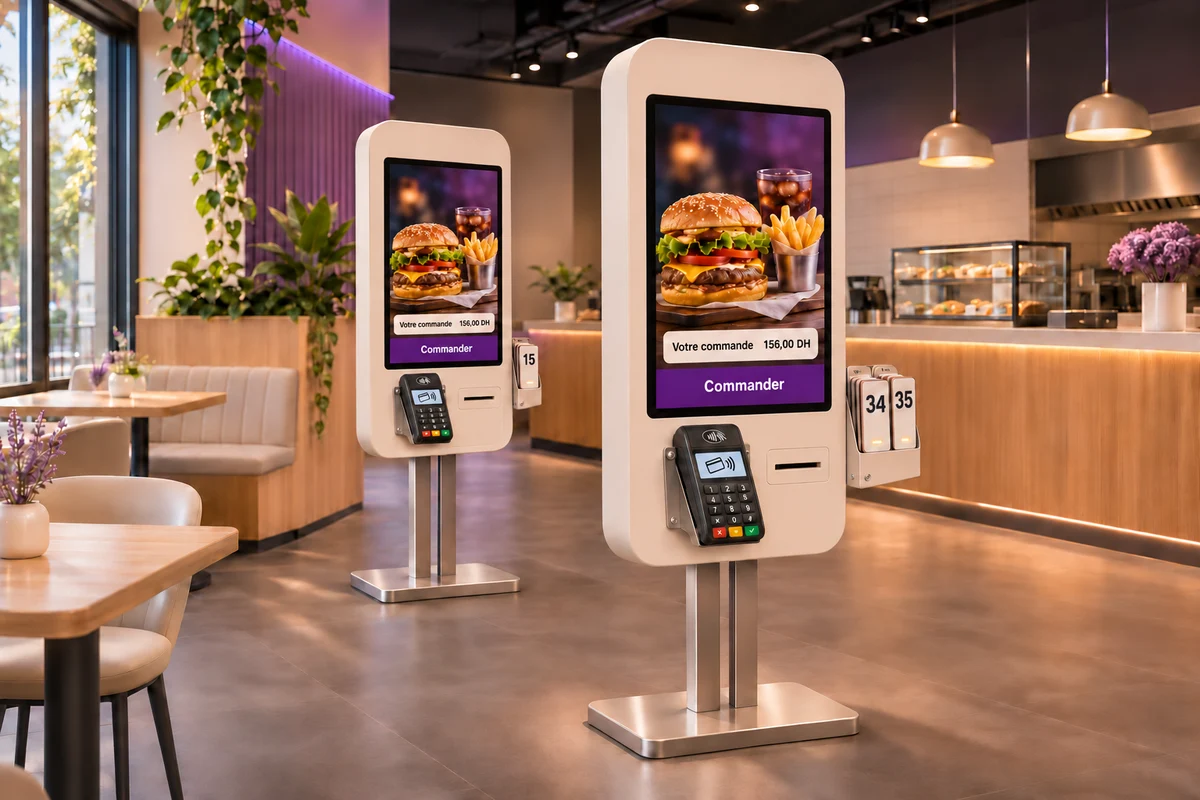
Explore the kiosk journey with your catalogue: products, customisation and order summary. Presentation by appointment.
Compare SCALERP plans and define the functions your service needs with our team.
SCALERP handles the presentation, onboarding and follow-up.
Yes. The restaurant journey connects tables, orders, instructions, kitchen stations and payments. Dine-in, takeaway and delivery modes support different services.
Sending from the POS feeds the configured stations. Tasks follow products and recipes; preparation, assembly and handover have separate states.
Yes. Equal shares and multiple payment methods can settle the same invoice. Splitting items into separate tickets happens before kitchen dispatch.
SCALERP offers plans for multiple locations and users. Compare the plans or discuss access and rollout with our team.
Show us how you work. We will present the journey suited to your restaurant.